
Blog
Online tools for small businesses that you can’t live without
Even if the economic climate is strained, it has never been easier or financially more achievable to set up a business. There are so many online tools and services available to help you run small businesses that there really is no need to spend money on an IT infrastructure, you can use online services as & when you need them, so you only pay for what you need. (the same goes for red desk’s ad hoc services by the way!). This month I’ve been looking at Evernote which is available for all devices & Jotnot which is only available on iphone, but I felt it deserves a mention as I think it’s brilliant.
Evernote is similar to Dropbox in that you can save all your work to the cloud allowing you to access your information from anywhere, but the difference with Evernote is that you can easily save all kinds of different content. Each item you save is called a Note & you can create different Notebooks to save your items to. The basic account is free & you can upgrade to a Premium Account allowing you 1GB per month for only $5 / £3 per month. You can create Notebooks for different projects or for personal use & in each notebook you can save all kinds of content from simple text, notes to self, photo’s even a portion of a webpage & Evernote will keep all your devices synced. A really impressive feature is the ‘web clipper function’ which is easy to download & means that whatever you’re browsing on your computer you can click the Evernote button & it will be saved to your account.
Now a lovely app. which can be used in conjunction with Evernote is Jotnot for iphone, this app. turns your iphone camera into a document scanner. You simply photograph the document then you’re given the options to email, fax, print for send it to Evernote or Dropbox. Jotnot runs the pictures through an advanced filter which makes them easier to read. This app. makes it possible to easily pass documents between colleagues & can make outsourcing those admin tasks even easier. If you need help with either Evernote or Jotnot or would like to discuss how to outsource those time consuming admin tasks then contact red desk
 Twitter: reddeskVA
Facebook Page: Red Desk VA
What do you do when your email account gets hacked into?
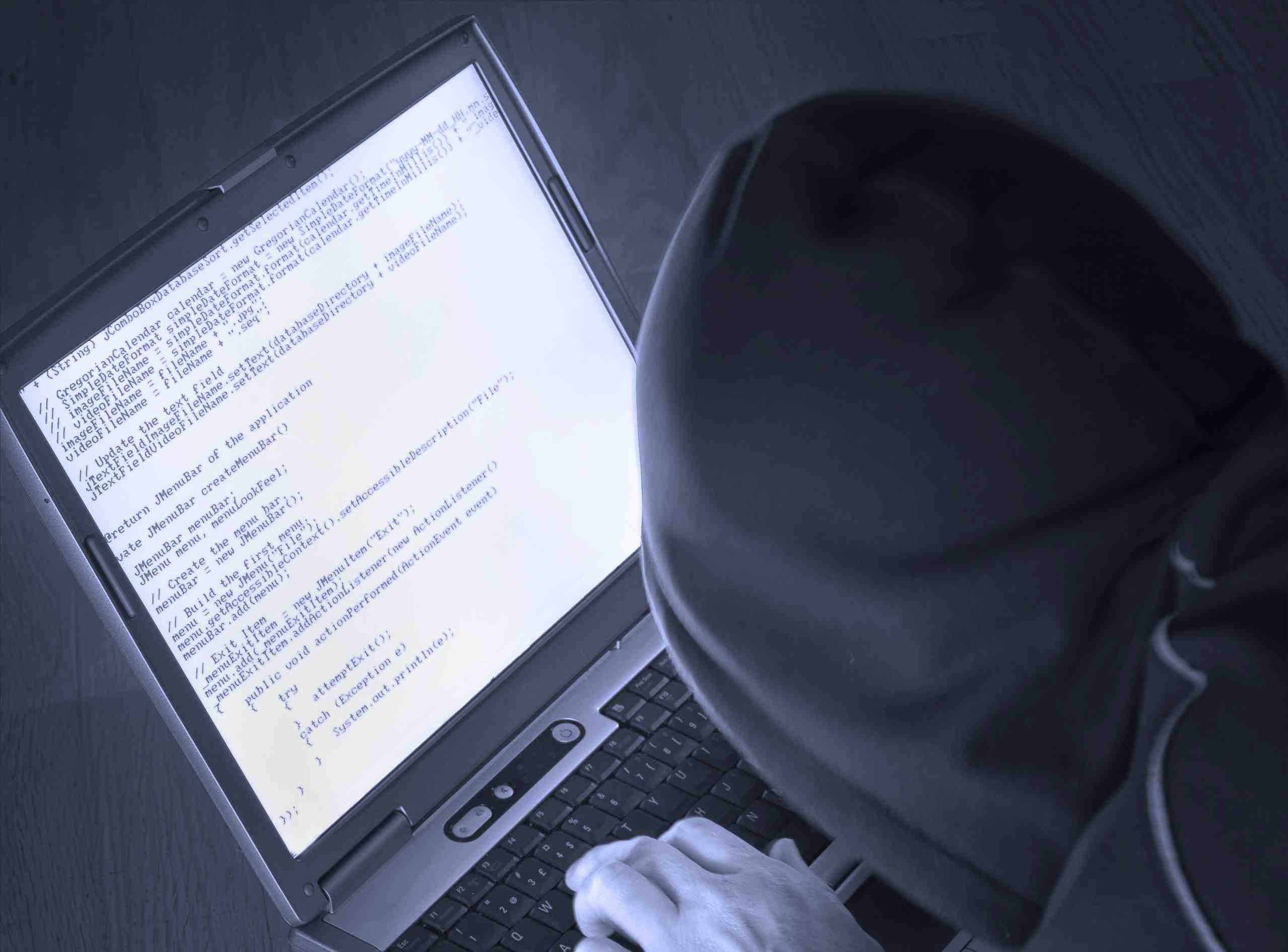 Recently I’ve received quite a few odd emails from obviously hacked into accounts so I thought I had better check that we all know the correct procedure to follow when we find our email has been compromised.
The obvious symptom of a hacked account is that all your contacts will be sent suspect emails from your account, you may receive bounced emails from email addresses you don’t recognise or you may even be locked out of your account by your provider because your email has been spewing out spam.
If you do get locked out you will have to follow a long-winded procedure which differs with each provider, it involves having to prove you are who you say you are & it is your account. If this does happen it’s not good to just ditch the email address & start again, do try & regain control of your account. There is a useful link on twitter which lists all the email providers support pages:
If you can still access your account or you’ve managed to regain access the first obvious step is to change your password, but before you do it’s a good idea to check that all the updates are current on your anti-virus software. This is necessary just in case your computer has been infected with malware as it could continue to transmit your info to the hacker.
When you know you’re anti-virus software is up-to-date and you’ve changed your password you also need to check your email settings to make sure the hacker has not set up any notifications to his own email account. Check that your signature has not been changed and that your account has not been forwarded to any other email addresses.
You should only really need to contact those that you have sent spam to if the email contained requests for money in any form, if the spam sent was just the usual nonsense with a link attached then everyone will be well aware that it’s spam.
To avoid all these problems make sure you never click on any links if you don’t know exactly what it is you’re linking to. Try to avoid checking your emails on public computers & if you do need to change your password frequently. It’s good practise never to list your email online unless you have taken proper precautions to avoid spam (ask you web designer how) and finally it’s really good practise to have more than one email address have a separate email for logging onto online shopping sites etc and always use different password/email combinations don’t use the same password for everything!
lindsay@reddesk.co.uk
Find me on Twitter @reddeskVA
Find me on Facebook Red Desk VA
No Results Found
The page you requested could not be found. Try refining your search, or use the navigation above to locate the post.