
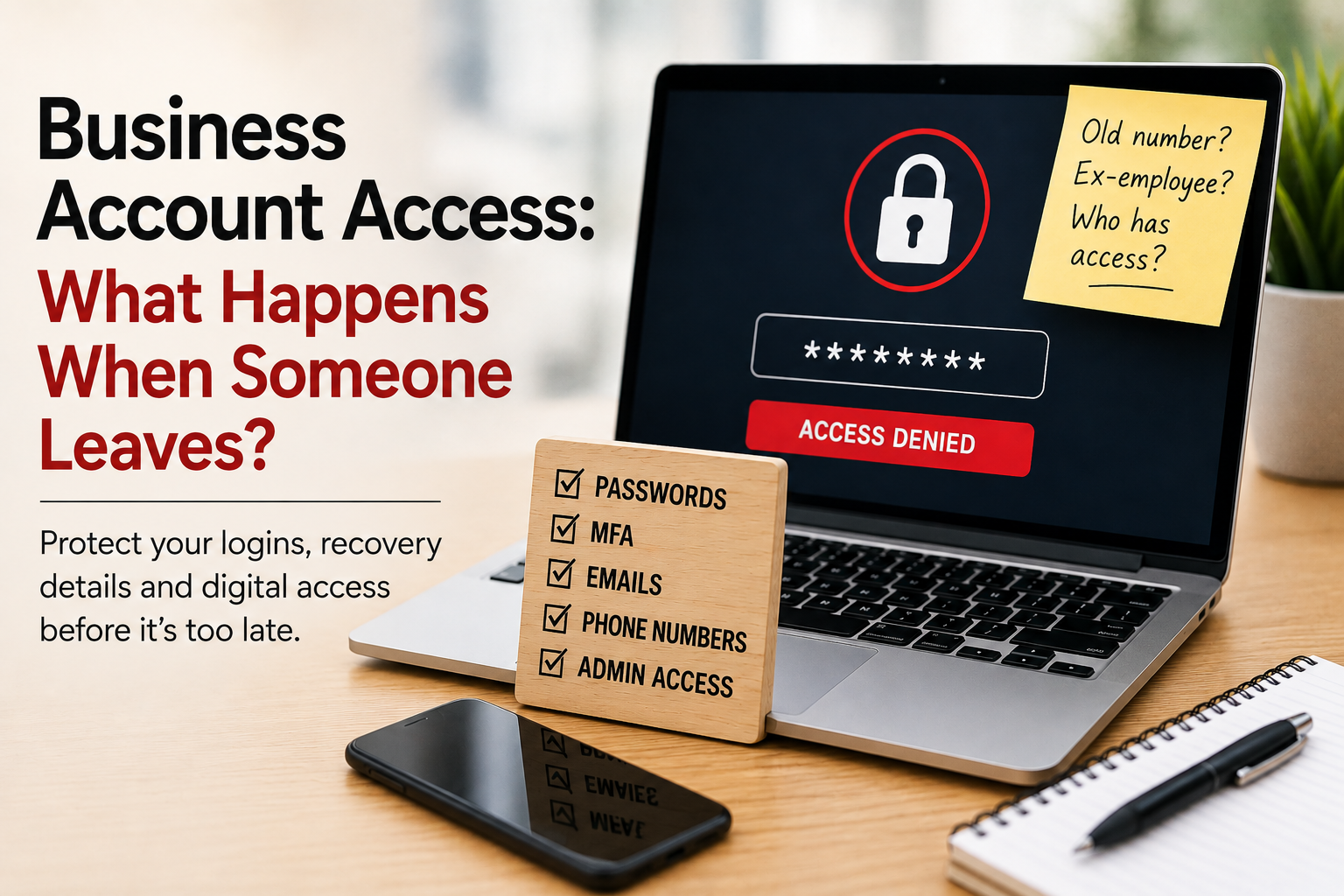
14 Aug When Someone Leaves Your Business, Who Still Has Access to Your Accounts?
When someone leaves your business, you probably collect their keys, redirect their email and make sure any company equipment is returned. But business account access can be surprisingly easy to overlook.
But what happens to all the online accounts they had access to?
And, perhaps more importantly, what happens if their email address or mobile phone number is still being used to verify one of those accounts?
We’ve had several reminders recently of just how complicated business account access can become. We’ve encountered old mobile numbers being used for Microsoft and Google verification, historical Meta accounts causing problems years later and a lost mobile phone suddenly affecting access to essential services.
In most cases, everything had been working perfectly well beforehand.
That’s the problem with outdated account permissions and recovery information. You often don’t know there’s a problem until you need to access something you don’t normally use.
Why is it important to update account access when someone leaves a business?
Passwords are only one part of business account security.
Many online services now use additional information to confirm your identity, including:
- mobile phone numbers
- recovery email addresses
- authenticator apps
- trusted devices
- multi-factor authentication (MFA)
- backup codes
- administrator approval
So, knowing the username and password doesn’t necessarily mean you can access or control an account.
An employee, VA, accountant, agency or IT provider may have set up an account years ago using their own email address or mobile number. Unless somebody changes those details when they leave, the problem can remain hidden for years.
Then one day you try to change an important setting and see:
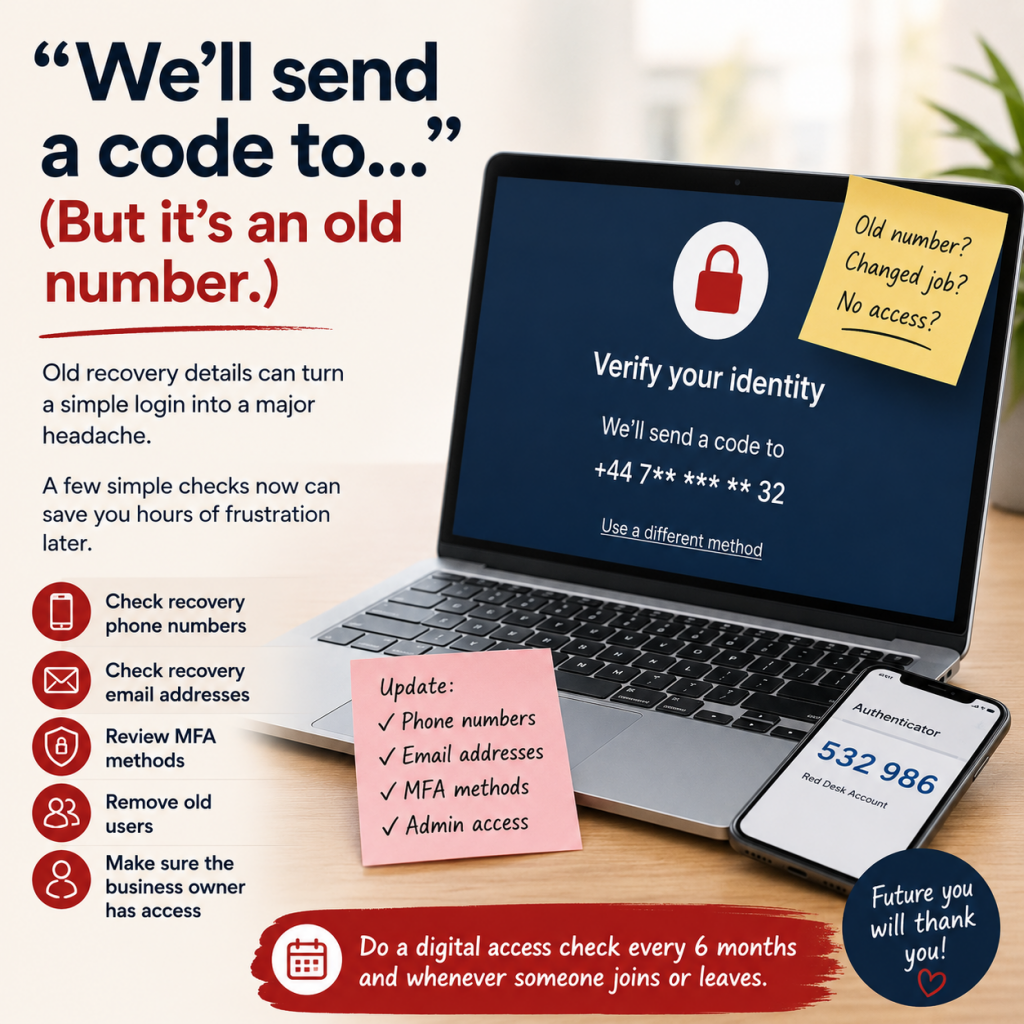
“We’ll send a code to…”
Unfortunately, you no longer recognise the number.
“We’ll send a code to…”
We’ve had a couple of incidents recently where we’ve needed to access Microsoft or Google accounts, or areas within those accounts, that aren’t used particularly often.
Everything had been working perfectly well day to day. But as soon as we tried to access a less frequently used part of an account, additional verification was required.
That’s when we discovered that the information was years out of date.
In one case, the account was linked to a mobile number that was no longer in use. In another, the verification details belonged to someone who had since left the business.
Fortunately, we managed to find workarounds in both cases. This is also one of those occasions when a good IT support company or IT department can be your best friend.
But both situations could have been avoided with some fairly simple digital housekeeping.
What should you do with business phone numbers when someone leaves?
If a business mobile number is associated with important accounts, don’t simply cancel it when the person using it leaves.
Ideally, transfer the number to someone else within the business. In a small business, the business owner or another permanent senior member of staff will often be the safest choice.
More importantly, review every account that relied on that person’s phone, email address or device for verification.
This could include:
- Microsoft 365
- Google Workspace
- Facebook and Instagram
- banking
- accounting software
- website hosting
- domain registration
- email marketing platforms
- cloud storage
- other business software
The same principle applies when you change your own mobile number. Before switching off the old number, check which services still use it for verification or account recovery and update them.
The Meta nightmare: when old account structures come back to haunt you
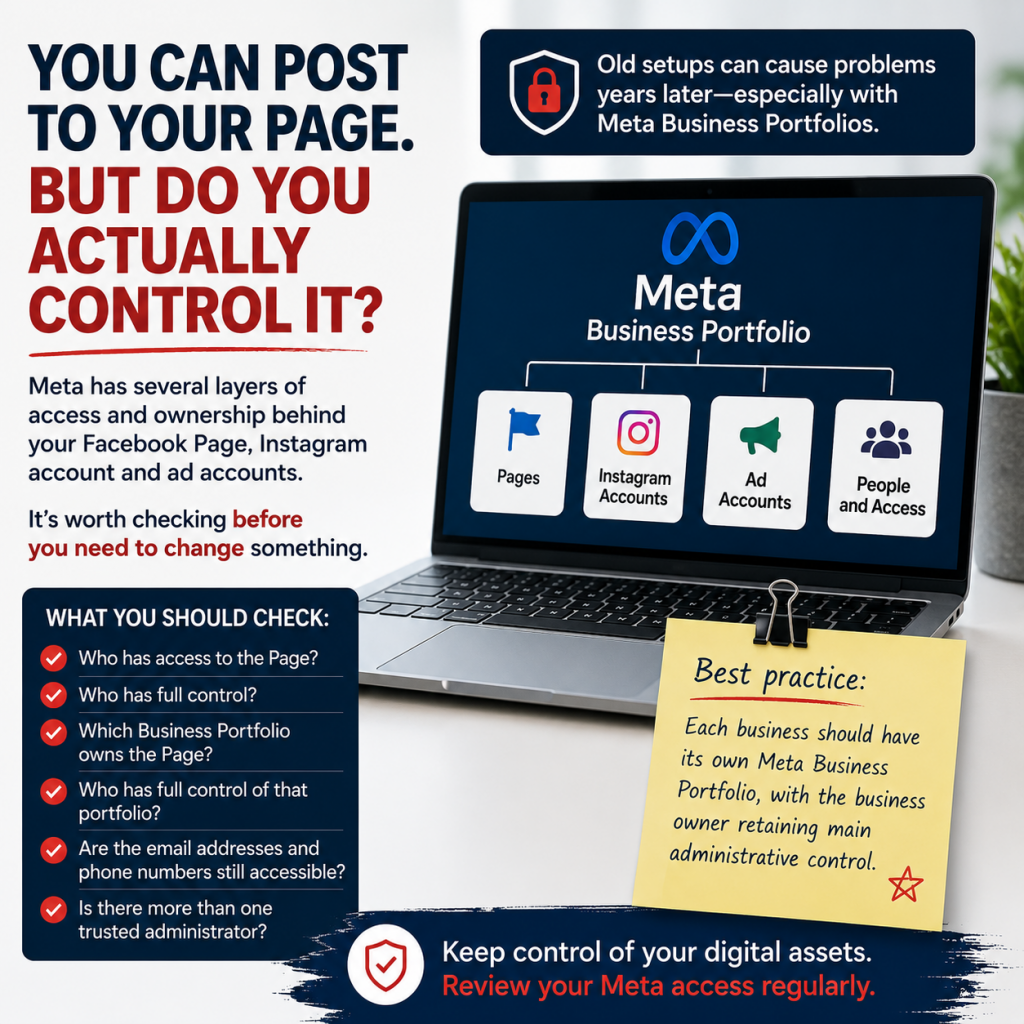
Meta can be a particularly good example of how account access becomes complicated over time.
A Facebook Page can appear to be working perfectly normally. You can post, respond to comments and manage day-to-day activity without any obvious problems.
It’s often only when you want to change permissions, run advertising or move an asset that you discover something isn’t quite right behind the scenes.
We’ve recently dealt with a client whose problem related to an old Meta advertising account and arrangements going back several years. The issue had been sitting unnoticed because there had been no reason to investigate it.
A lot of these historical problems date back to changes Meta made to the way businesses, Facebook Pages, advertising accounts and other assets were managed.
Business Manager evolved, Business Portfolios were introduced and, particularly in the early days, it wasn’t always obvious who should own what or how everything should be structured.
The result can be Pages and advertising accounts sitting inside old business structures, former employees or agencies retaining permissions, or nobody being entirely sure which account actually owns an asset.
What can you do if you discover an old Meta account or access problem?
Firstly, don’t assume the first answer you receive is necessarily the end of the road.
If possible, try to resolve the problem through Meta’s business support or chat facility. If you hit a dead end, it can sometimes be worth leaving it for a couple of days and trying again. Platforms do experience glitches and we’ve encountered situations where something that wasn’t possible one day behaved differently a few days later.
It can also make a considerable difference if you’re able to reach an actual support person rather than relying entirely on automated responses.
They may not be able to remove a restriction or change an old account, but they may be able to explain what’s happening and suggest another way of achieving what you need.
In the case of our client’s old advertising account, the historical account itself can no longer be used for advertising. Fortunately, there is a workaround. A new advertising account can be created and the relevant assets transferred, allowing the business to move forward without having to resolve every historical problem with the old account.
Who should own a Meta Business Portfolio?
Experiences like this are why we now recommend a much clearer structure for clients.
Ideally, each business should have its own Meta Business Portfolio, with the business owner retaining the main administrative control.
Employees, VAs, agencies and other people who need access can then be added with the appropriate permissions.
This helps ensure that the business retains control of its own Facebook Pages, Instagram accounts and advertising assets rather than those assets inadvertently becoming dependent on an employee, agency or external supplier.
What happens if you lose the phone you use for business verification?
There’s another potential problem that doesn’t involve anybody leaving at all.
We’ve also seen what can happen when somebody loses their mobile phone and suddenly realises how many important services depend upon it, including access to banking.
Our phones increasingly act as the keys to our digital lives.
They receive verification texts, run banking apps, contain email accounts and may also hold the authenticator app used to access other services.
Losing a phone can therefore mean losing much more than the handset itself.
Ask yourself:
If my phone disappeared today, could I still access the systems I need to run my business?
If the answer is “I’m not sure”, that’s something worth investigating now rather than after the phone has disappeared.
Don’t rely on one way of getting back into an account
Where a service allows it, set up more than one secure method of verifying your identity or recovering an account.
Depending on the platform, this might include a current mobile number, recovery email address, MFA, an authenticator app, backup or recovery codes, or another trusted administrator.
Be particularly careful with authenticator apps. If authentication is tied to one device, make sure you understand how it can be recovered or transferred when that device is replaced, lost or stolen.
Backup and recovery codes should also be stored securely somewhere that can still be accessed if the usual device is unavailable.
What should you do when an employee, VA or agency stops working with you?
Account access should form part of every business handover.
At Red Desk, when we finish working with a client, we make sure the necessary passwords, logins and access arrangements are handed back and that the client retains control of the systems we’ve been helping them manage.
The same principle should apply whenever an employee, VA, social media manager, agency, bookkeeper, accountant, web developer or other supplier stops working with your business.
Your handover should include:
- Reviewing their access. Identify every business account and system they could access.
- Removing permissions that are no longer required. Don’t leave former employees and suppliers with access simply because nobody has got around to removing them.
- Changing passwords where necessary. Particularly where passwords were shared rather than individual user accounts being created.
- Updating verification details. Check telephone numbers, email addresses, trusted devices and authenticator settings.
- Checking account ownership. Make sure the business, rather than the departing individual or supplier, ultimately owns important digital assets.
- Adding another administrator where appropriate. Avoid leaving a critical business system dependent upon one person’s account.
- Checking recovery options. Make sure you know how the account could be recovered if the usual administrator or device wasn’t available.
Should a business keep a record of its online accounts?
Yes. A simple digital access register can save an enormous amount of time later.
It doesn’t necessarily need to contain the passwords themselves. In fact, passwords are better managed securely using an appropriate password management system.
Instead, your record could show:
| Account/System | Account owner | Main administrator | Recovery email | Verification number | MFA | Backup admin |
| Microsoft 365 | Business | Name/role | Current? | Current? | Yes/No | Name/role |
| Google Workspace | Business | Name/role | Current? | Current? | Yes/No | Name/role |
| Meta | Business | Name/role | Current? | Current? | Yes/No | Name/role |
| Website/hosting | Business | Name/role | Current? | Current? | Yes/No | Name/role |
You can then see at a glance where something needs attention.
How often should you review business account access?
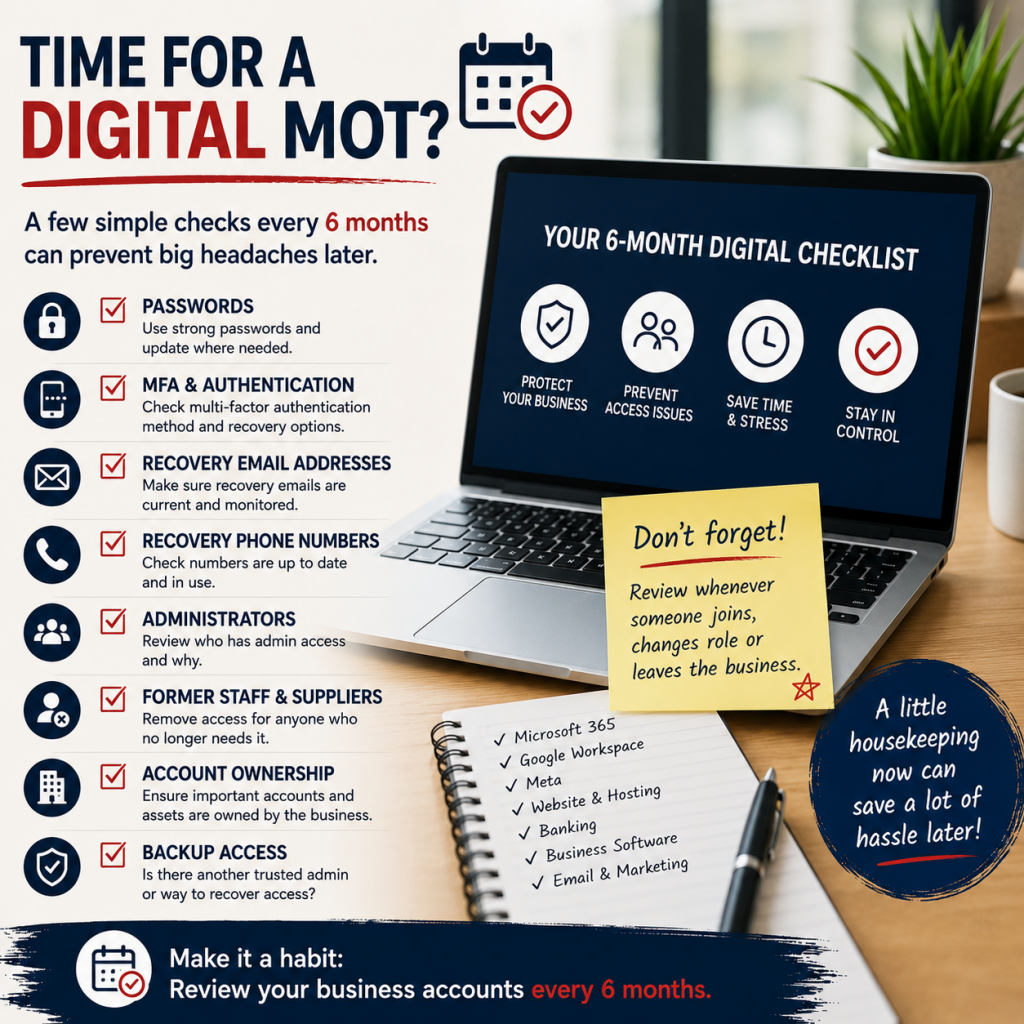
We’d recommend reviewing your important business accounts at least every six months, as well as whenever somebody joins or leaves the business or changes role.
For each important system, ask:
- Who owns this account?
- Who has administrator access?
- Does anybody still have access who shouldn’t?
- Is the recovery email address current?
- Is the verification phone number current?
- Who controls the MFA or authenticator app?
- Are recovery or backup codes stored securely?
- Is there another trusted administrator?
- What would happen if the main administrator lost their phone?
- Could the business regain control without contacting a former employee or supplier?
It doesn’t take long when everything is in order.
Trying to unravel an account that was set up by somebody who left the company five years ago is another matter entirely.
Frequently Asked Questions About Business Account Access
What should you do with online accounts when an employee leaves?
Review every account the employee could access, remove permissions they no longer need, update recovery details and check whether their phone number, email address or device is being used for MFA or account recovery.
Who should own a business’s social media accounts?
Where possible, the business itself should retain ownership and ultimate administrative control. Employees, VAs and agencies should be given the level of access they need rather than owning the business’s digital assets themselves.
What happens if an old phone number is used for account verification?
You may be unable to complete MFA or recover the account. Contact the platform’s support team and, if applicable, your IT administrator. To avoid this, update verification numbers before an old number is disconnected.
How often should businesses review account access?
We recommend reviewing business-critical accounts at least every six months and whenever an employee, contractor, VA, accountant or agency joins or leaves the business.
Should more than one person have administrator access?
For important business systems, having an appropriate second trusted administrator can help prevent the business becoming dependent on one individual. Access should still be limited to people who genuinely need it.
Digital housekeeping isn’t glamorous, but it matters
Nobody starts a business because they’re excited about checking recovery email addresses and administrator permissions.
It’s one of those jobs that’s very easy to put off, particularly when everything appears to be working.
But that’s precisely why outdated account information can survive unnoticed for years.
The common thread through all the problems we’ve encountered recently hasn’t really been technology. It’s been old information and access arrangements that nobody had any reason to look at until something went wrong.
So don’t just ask:
“Can I log in?”
Ask:
“Does the business control this account, is the recovery information current, and could we still get into it if the person or device we normally rely on wasn’t available?”
A six-monthly digital access check, together with a proper process whenever somebody joins or leaves your business, could save hours of frustration later.
And if you work with an external VA, agency or other supplier, make digital access part of the handover from the very beginning. Your business accounts should always remain your business assets.

No Comments