
24 Apr The Simple Way to Organise ChatGPT for Your Business and Clients
If you’re using ChatGPT in your business, it can quickly become one of your most valuable tools.
But without a clear system, it can also become messy, repetitive and time-consuming.
Many small business owners use ChatGPT for:
- writing content
- managing social media
- drafting emails
- planning marketing
Yet they often treat it like a search tool rather than a structured workspace.
In this guide, you’ll learn how to organise ChatGPT for your business and clients, so you can save time, improve consistency and get better results from every prompt.
Why Organising ChatGPT Is Essential for Small Businesses
When ChatGPT is unorganised, you may find yourself:
- repeating instructions
- losing useful prompts
- mixing client work together
- starting from scratch each time
This leads to inefficiency and inconsistent outputs.
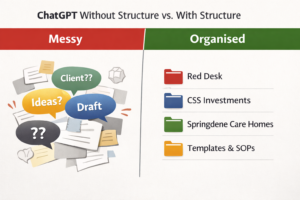 When organised properly, ChatGPT becomes:
- a content creation hub
- a client workspace
- a marketing assistant
- a central system for ideas and planning
Organising your chats allows you to build context over time, which improves the quality of responses and reduces the time you spend rewriting or explaining tasks.
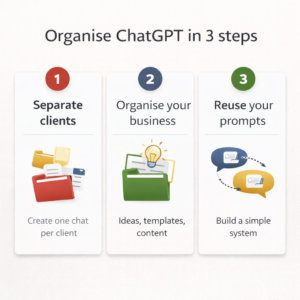
Step 1 – Create One Chat Per Client
The simplest and most effective way to organise ChatGPT is to create one dedicated chat per client.
For example:
- Red Desk
- CSS Investments
- Springdene Care Homes
- Elite Shutters & Blinds
Use each chat only for that client’s:
- social media posts
- SEO blogs
- Google Business content
- emails and communication
- marketing strategy
This ensures:
- consistent tone and messaging
- better understanding of the client over time
- faster content creation
👉 This is one of the most effective ways to use ChatGPT for client work.
Step 2 – Create Dedicated Chats for Your Own Business
Alongside client chats, you should also organise ChatGPT for your own business.
Create chats such as:
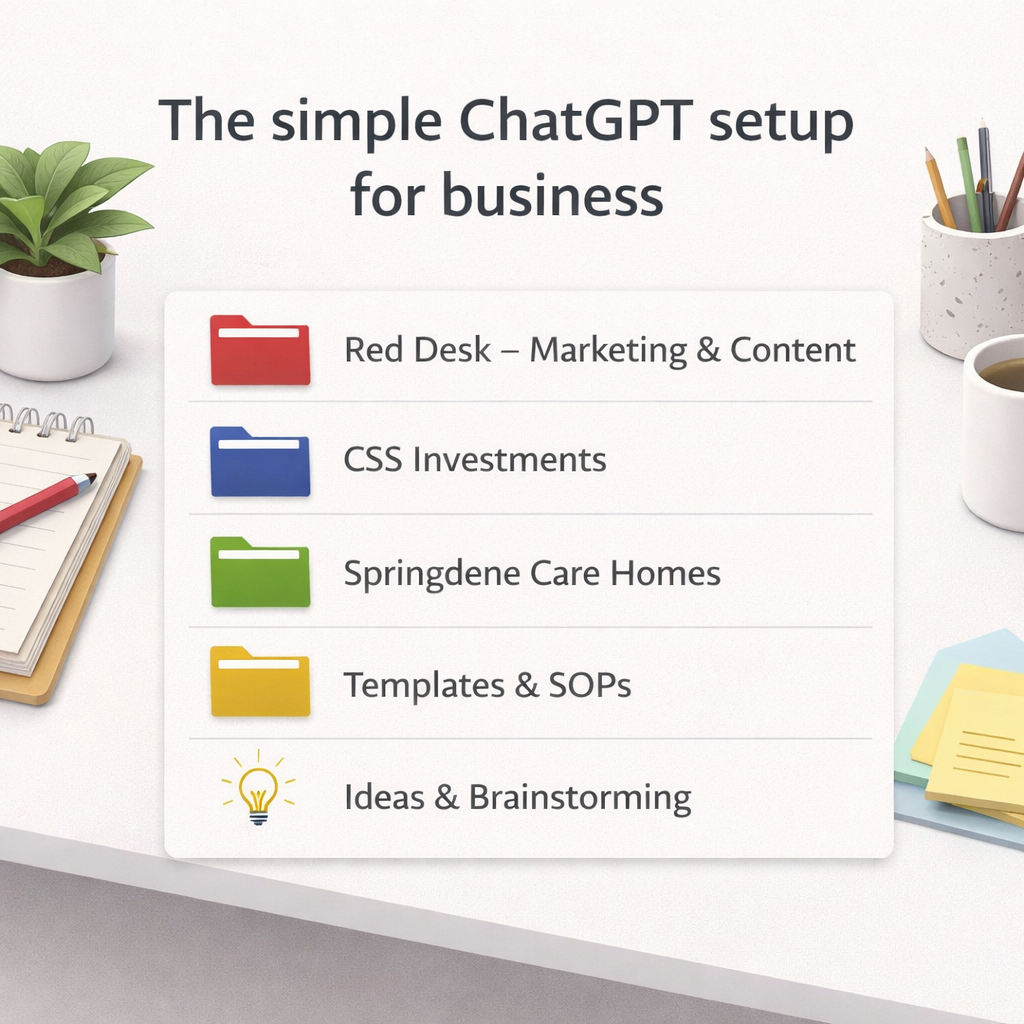
- Red Desk – Marketing & Content
- Templates & SOPs
- Ideas & Brainstorming
- Training & Learning
These can be used for:
- blog writing
- service development
- reusable templates
- learning and notes
This keeps your internal work separate from client work, making everything easier to manage.
Step 3 – Use a Chat Structure (Don’t Mix Topics)
To get the best results from ChatGPT, each chat should have a clear purpose.
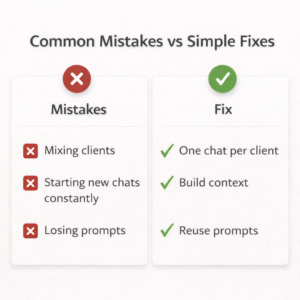 Use each chat for:
- one client or one topic
- ongoing work
- building context over time
Avoid:
- mixing multiple clients in one chat
- switching between unrelated tasks
- using one chat for everything
Search engines and AI tools favour clear, structured content. The same principle applies here.
👉 The clearer your structure, the better your outputs.
Step 4 – Pin Your Most Important Chats
Once your chats are set up, pin the ones you use most often.
For example:
- key clients
- your Red Desk workspace
- Templates & SOPs
This allows you to:
- access them quickly
- stay focused
- avoid scrolling through old chats
It’s a small step that makes a big difference to your daily workflow.
Step 5 – Create a Prompt Library for Reuse
If you regularly create content, a prompt library is essential.
You can store prompts:
- in a dedicated ChatGPT chat
- or in a separate document
Examples include:
- SEO blog prompts
- social media templates
- keyword research prompts
- Google Business post structures
This allows you to:
- work faster
- maintain consistency
- scale your output across multiple clients
👉 This is especially useful for virtual assistants, marketers and small business owners managing multiple accounts.
Step 6 – Turn ChatGPT Into a Marketing System
Once organised, ChatGPT becomes more than a tool. It becomes a system.
You can use it to:
- write SEO-optimised blog content
- create social media posts (Facebook, Instagram, X, Google Business)
- plan content calendars
- draft client communications
- build marketing strategies
Because each chat retains context, your content becomes:
- more relevant
- more consistent
- faster to produce
This is where ChatGPT becomes a real business asset.
A Simple ChatGPT Setup You Can Copy
 If you’re starting from scratch, here’s a simple structure:
- Red Desk – Marketing & Content
- [Client Name] – Ongoing Work (one per client)
- Templates & SOPs
- Ideas & Brainstorming
- General Questions
This setup is:
- easy to maintain
- scalable as your business grows
- suitable for any service-based business
Final Thoughts: Organise First, Then Scale
The most effective way to use ChatGPT for your business is not by writing better prompts.
It’s by creating a clear structure first.
Once your chats are organised, everything else becomes easier:
- content creation
- SEO
- social media
- client work
If you take just 10–15 minutes to set this up, you can save hours every week and improve the quality of your output.
Need Help Organising Your Marketing Systems?
At Red Desk, I support small businesses with:
- SEO and content creation
- social media management
- Google Business optimisation
- marketing strategy
If you’d like help organising your systems and improving your visibility online, feel free to get in touch.

Sorry, the comment form is closed at this time.